Challenge
I had to figure out how it would fit in our existing product, and how it could provide the most value for our users.
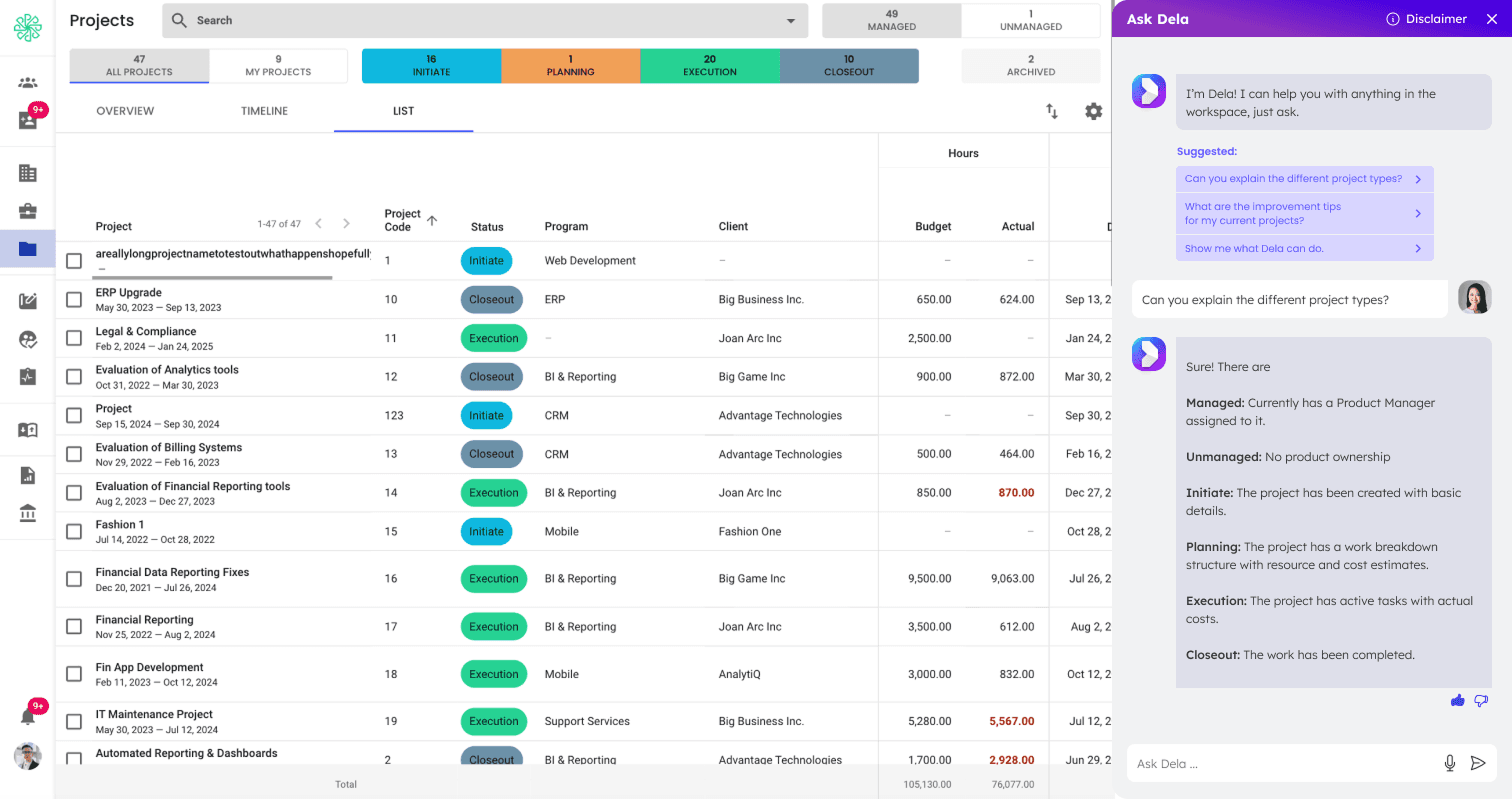
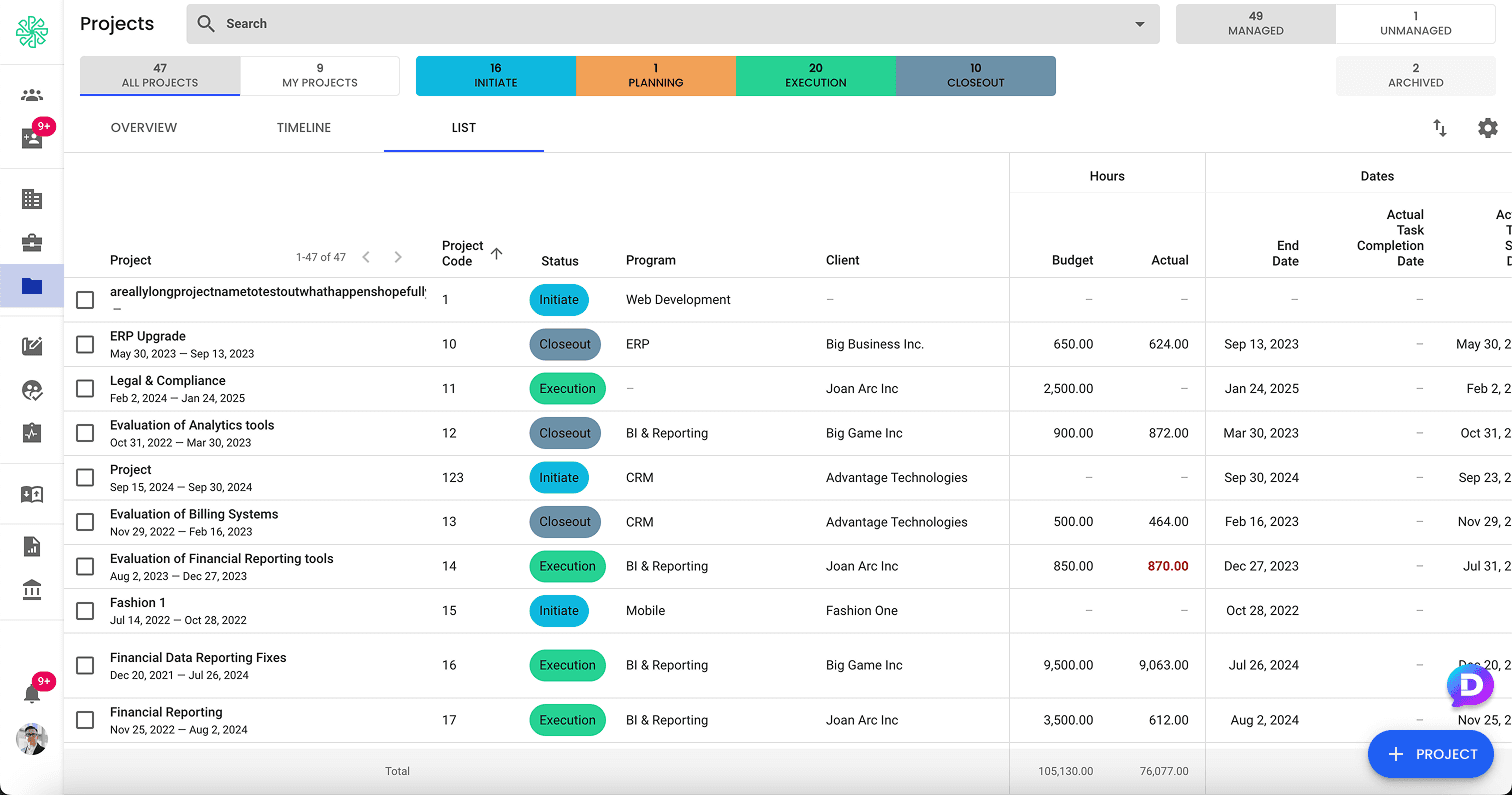
Based on other products that have AI chat bots, I opted to place the launch button on the bottom right. There were several pages where we had a FAB in the same location, so I conducted some user testing to figure out which orientation worked the best without affecting existing functionality.
Design
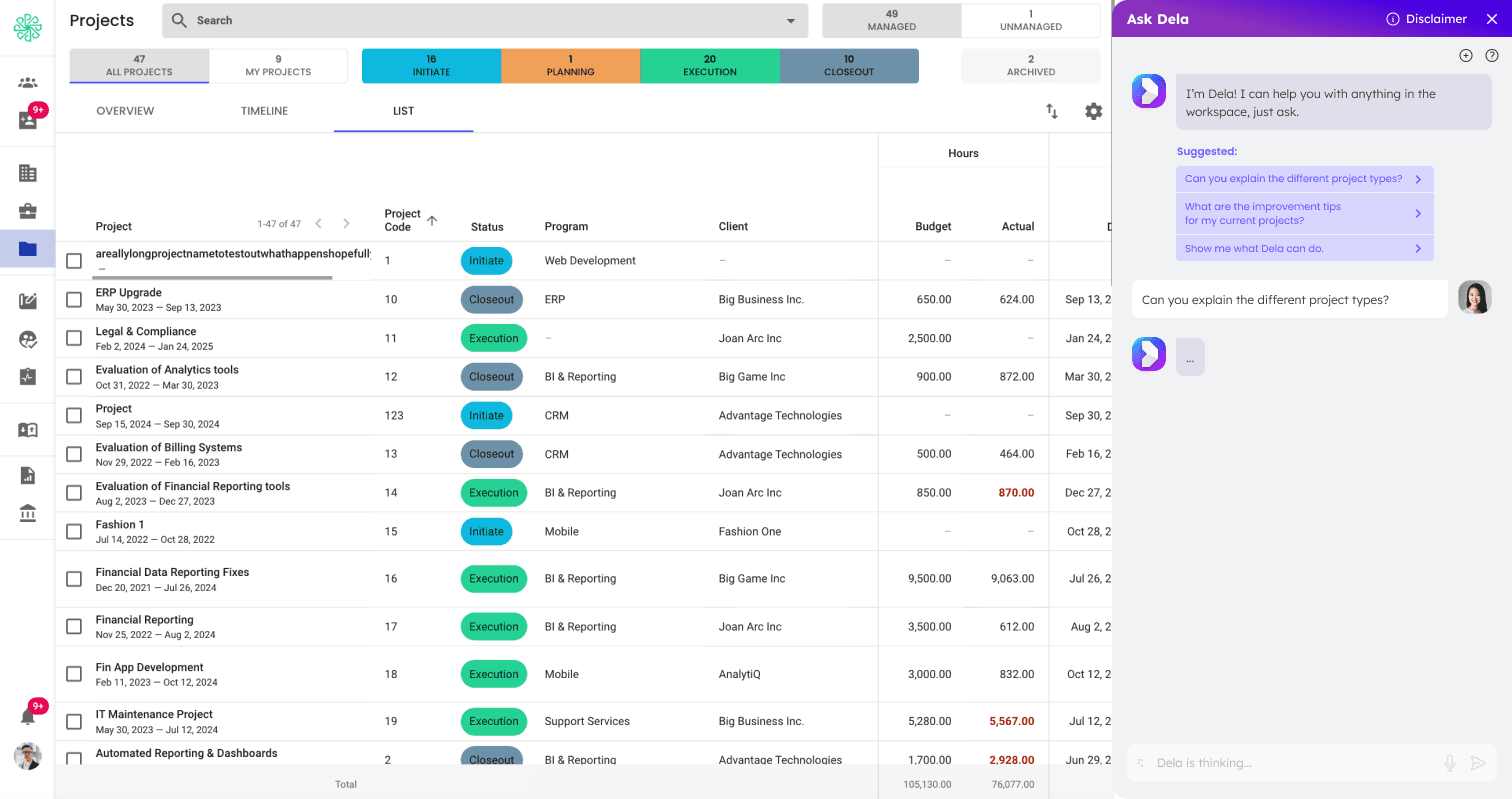
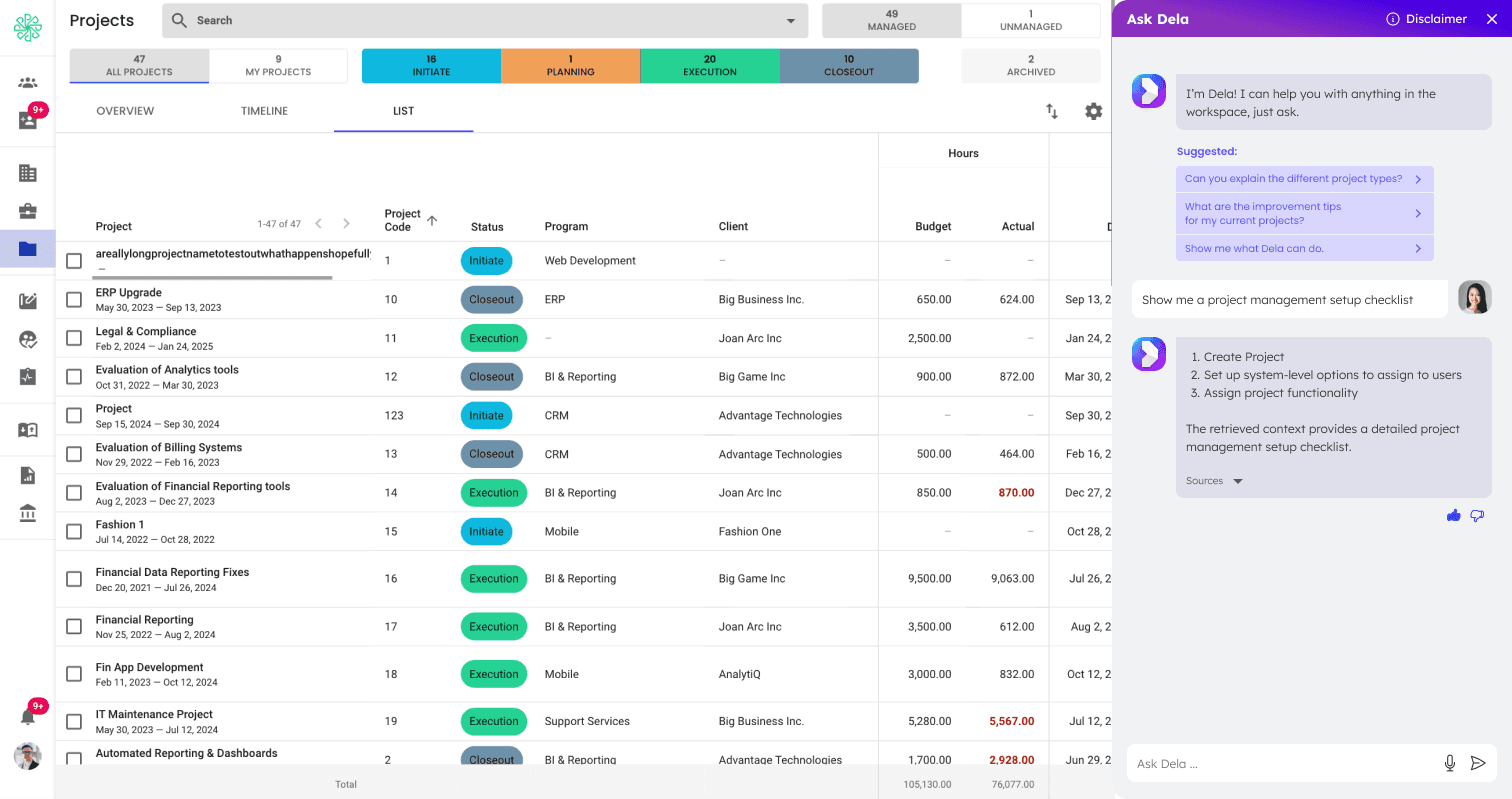
I wanted to have it available on every page, and provide contextual responses based on which page it was launched from.
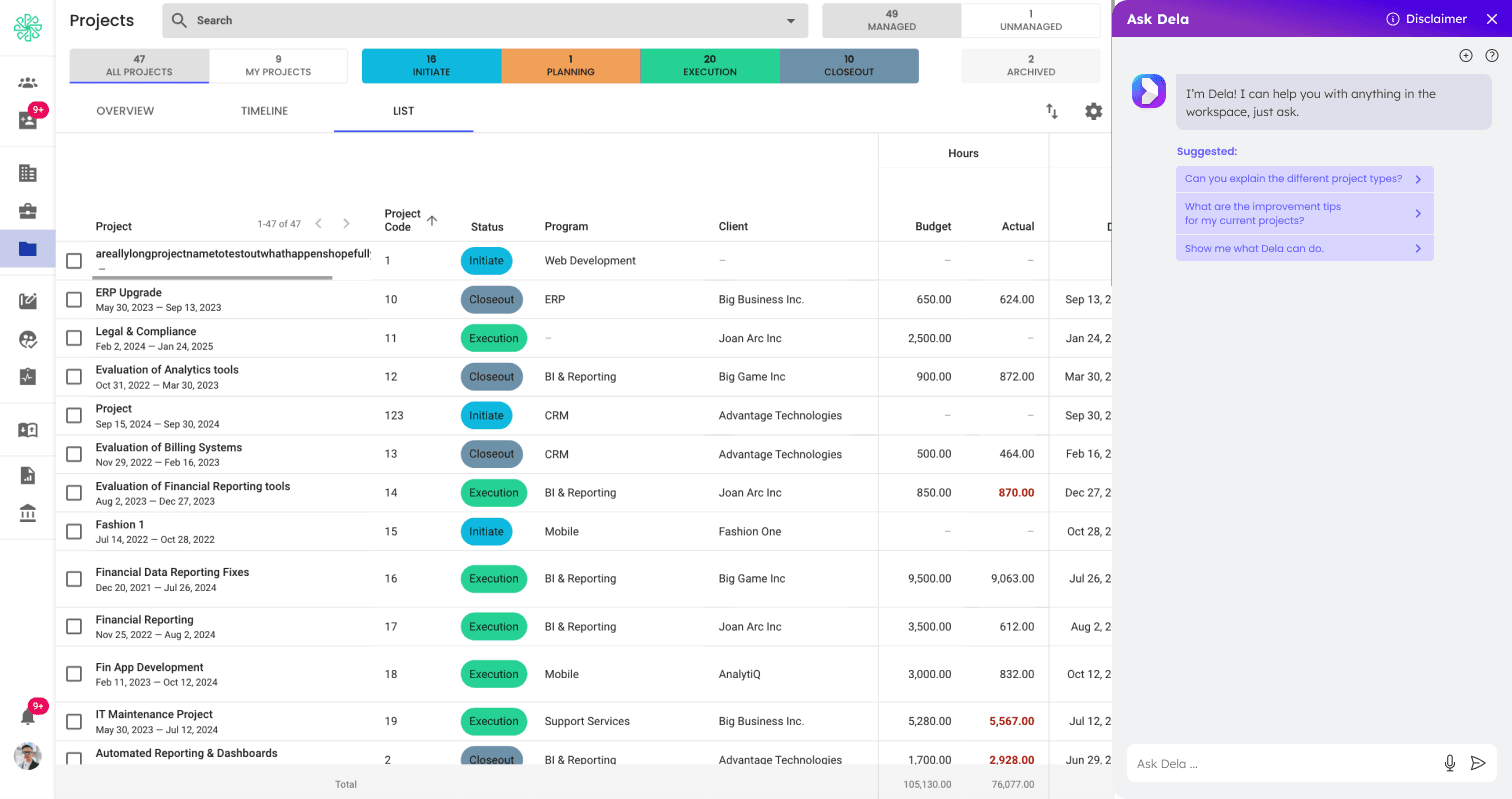
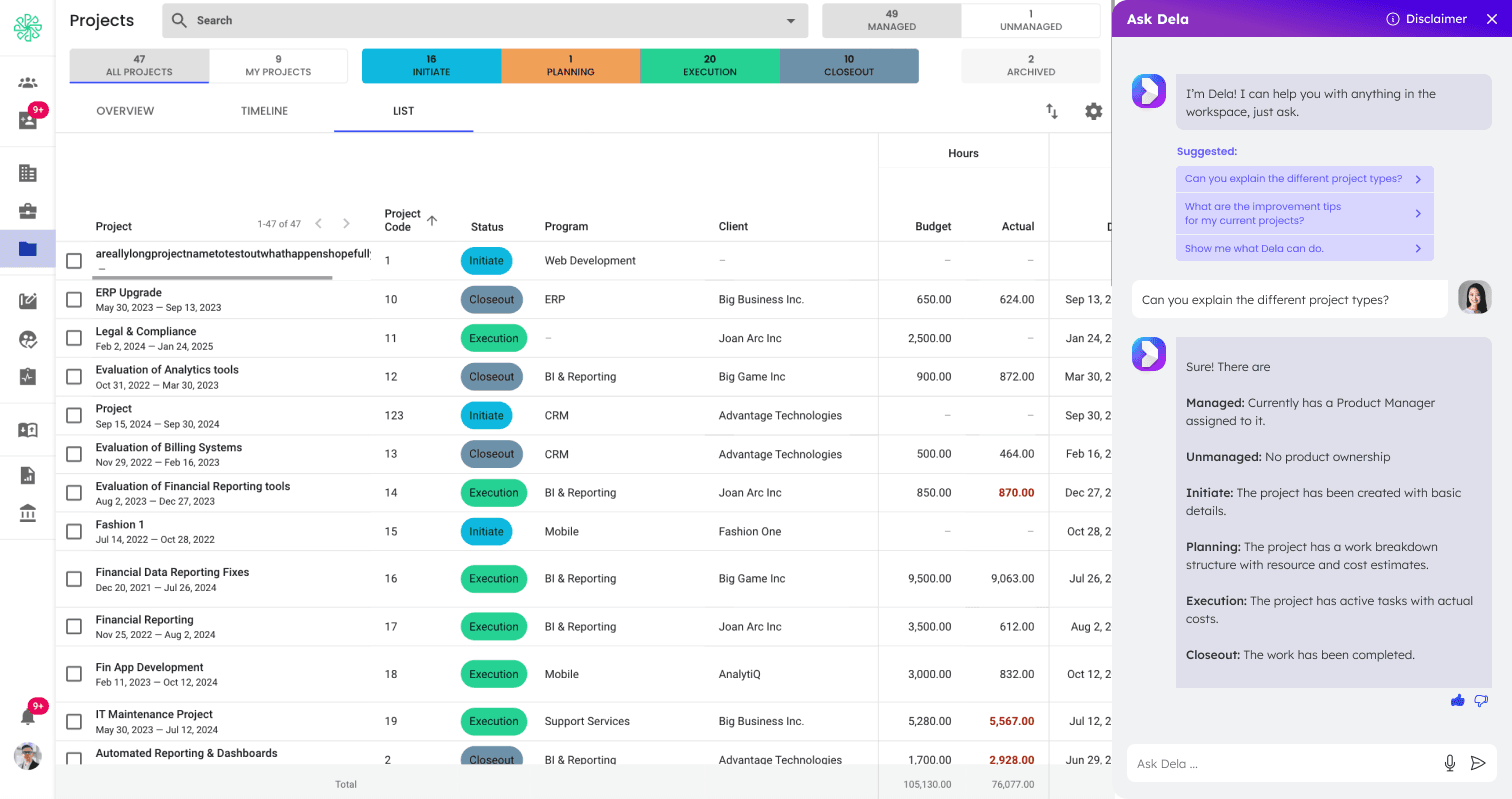
My solution was to provide suggestions based on the page the user was on. So in the example, if they are currently on the project page, when they launch Dela AI, they will see suggestions about their project types, and improvement tips.
Below is part of the flow from launch.
User feedback enhancement
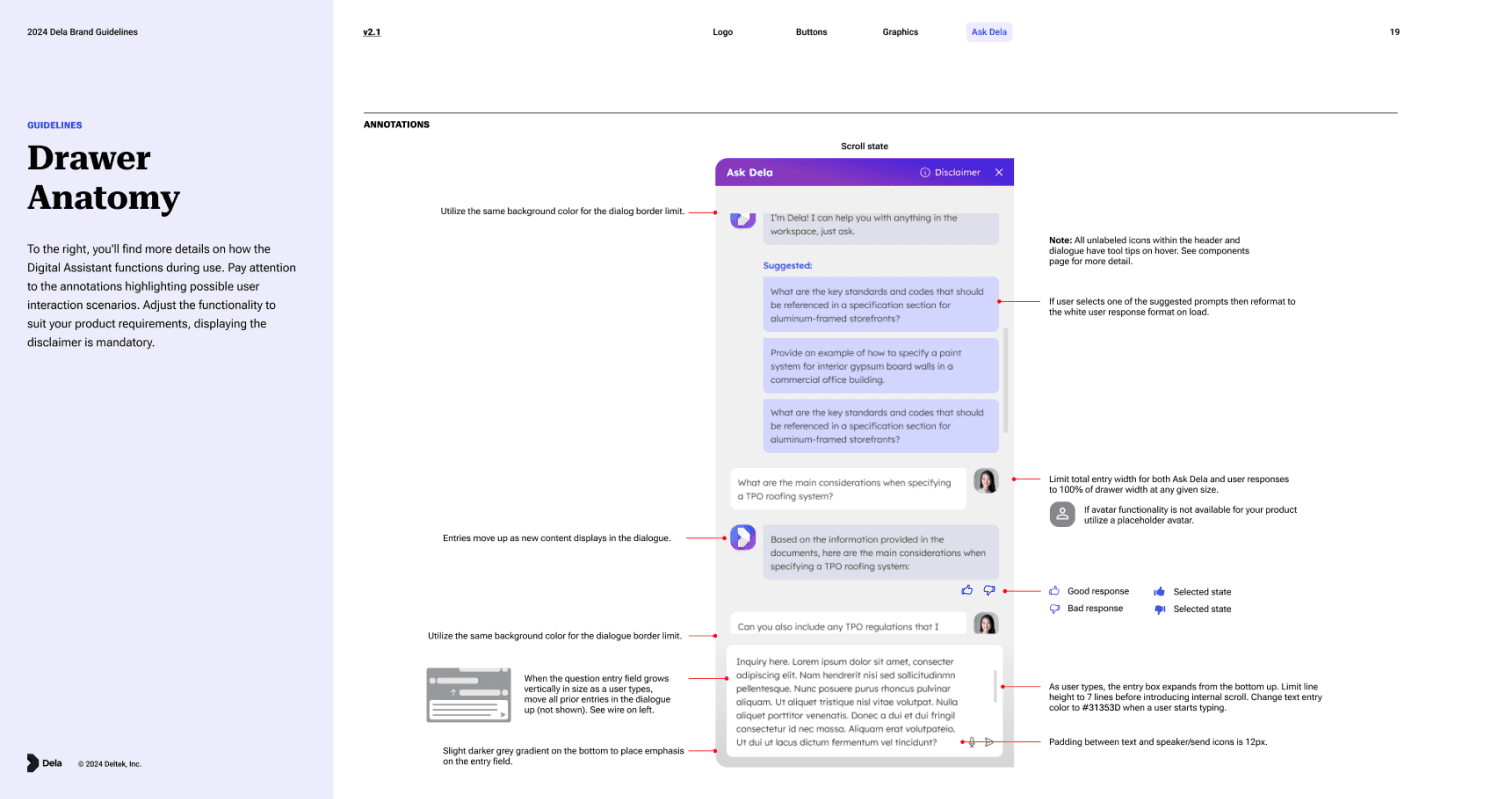
There were users who didn’t realize the suggestions were clickable, so I added a hover and focus animation as well as arrows to make the action clear. After testing the new changes, many more users were using the suggestions. The Dela AI guideline was updated with this version. Below was the original.
Linking Sources
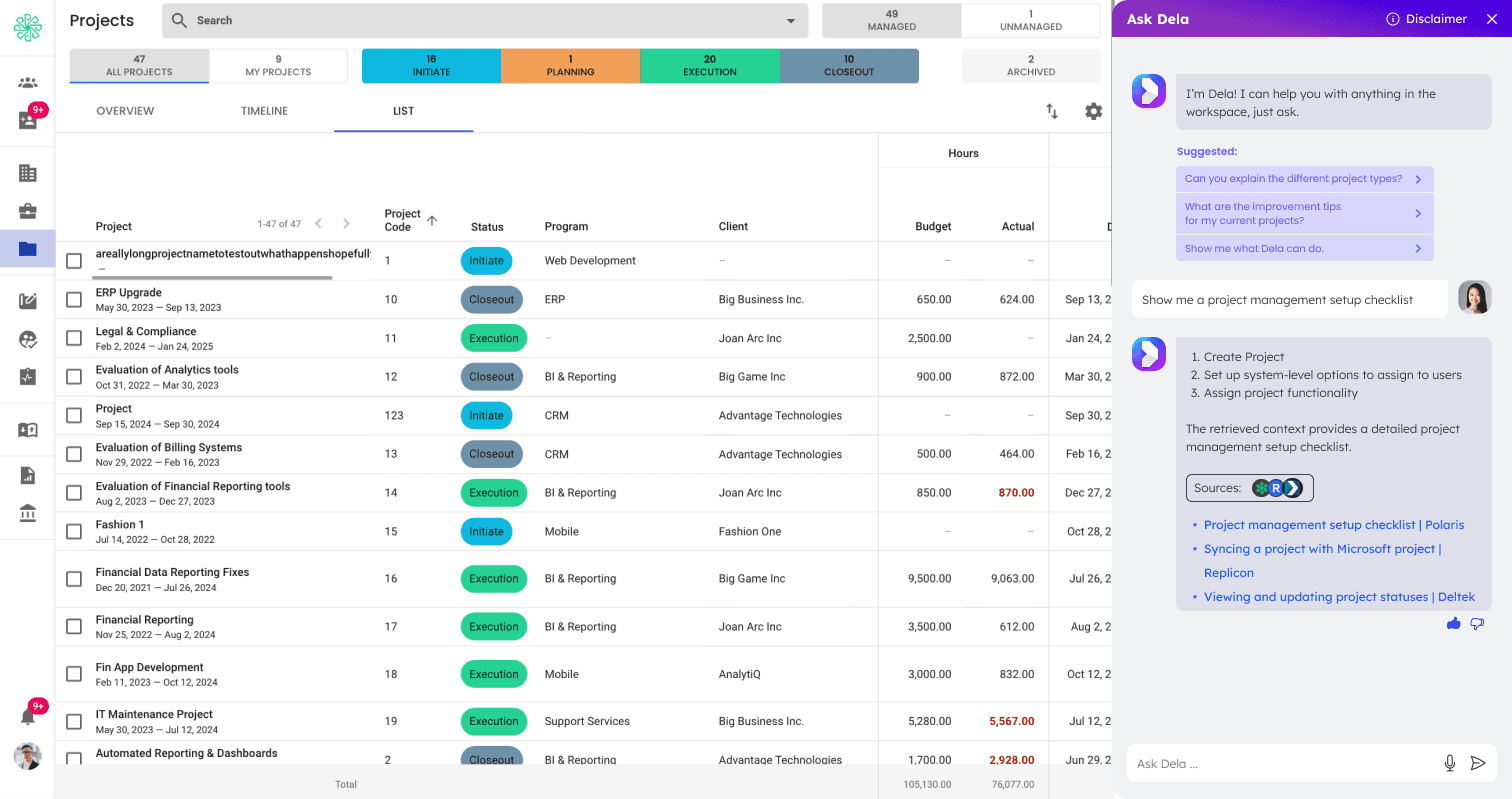
Another feature we needed to add was linking the sources used. Right now it is only using our company websites and products.
Conclusion
Adding the Dela AI chatbot has gained a lot of interest in existing and new clients and now we have the backend to support AI functionality outside of the chatbot for Polaris.